Set up fog and exploration
Choose strict field of view or remembered terrain without revealing hidden tokens.
Aether separates three questions that can look similar on the canvas:
- Current field of view is what a player's owned, vision-enabled tokens can see right now.
- Exploration memory is terrain that player saw earlier.
- Manual fog is additional darkness painted by the GM when the fog mod is installed.
Only current field of view decides which tokens the server sends to a player.
#Before you start
Computed vision becomes active when the active scene has at least one closed, sight-blocking wall. Draw and check the scene's walls first. A player also needs an owned token with vision enabled; with no such token, an active vision scene is dark for that player.
#Choose the exploration mode
Open Grid setup and use Fog outside current sight:
- Strict field of view keeps the existing behavior. Anything outside current sight is dark.
- Keep explored terrain dim shows previously explored terrain as a dim map while current sight remains fully clear.
The mode belongs to the scene. Switching back to strict field of view stops sending remembered terrain but does not erase it, so you can return to memory mode later.


#Remembered terrain does not reveal tokens
Memory stores map geometry for one player, not the documents that happened to be there. A creature currently outside that player's field of view remains absent in a remembered room. It appears only when current sight reaches it again. This rule also applies to snapshots, reconnects, and live move updates.
Each player's explored region is private. A GM can inspect it through Player View for that player; one player never receives another player's explored shape.
#Persistence
Exploration is stored per world, player, and scene. It survives moving between scenes, reconnecting, world hibernation, and a server process restart. Replacing the background image or changing the scene bounds clears exploration that no longer matches the map. Grid calibration does not clear it.
#Reset explored fog
Choose Reset explored fog… in Grid setup. Select one player or Everyone, then confirm Reset fog. The operation is GM-only, permanent, and cannot be undone.
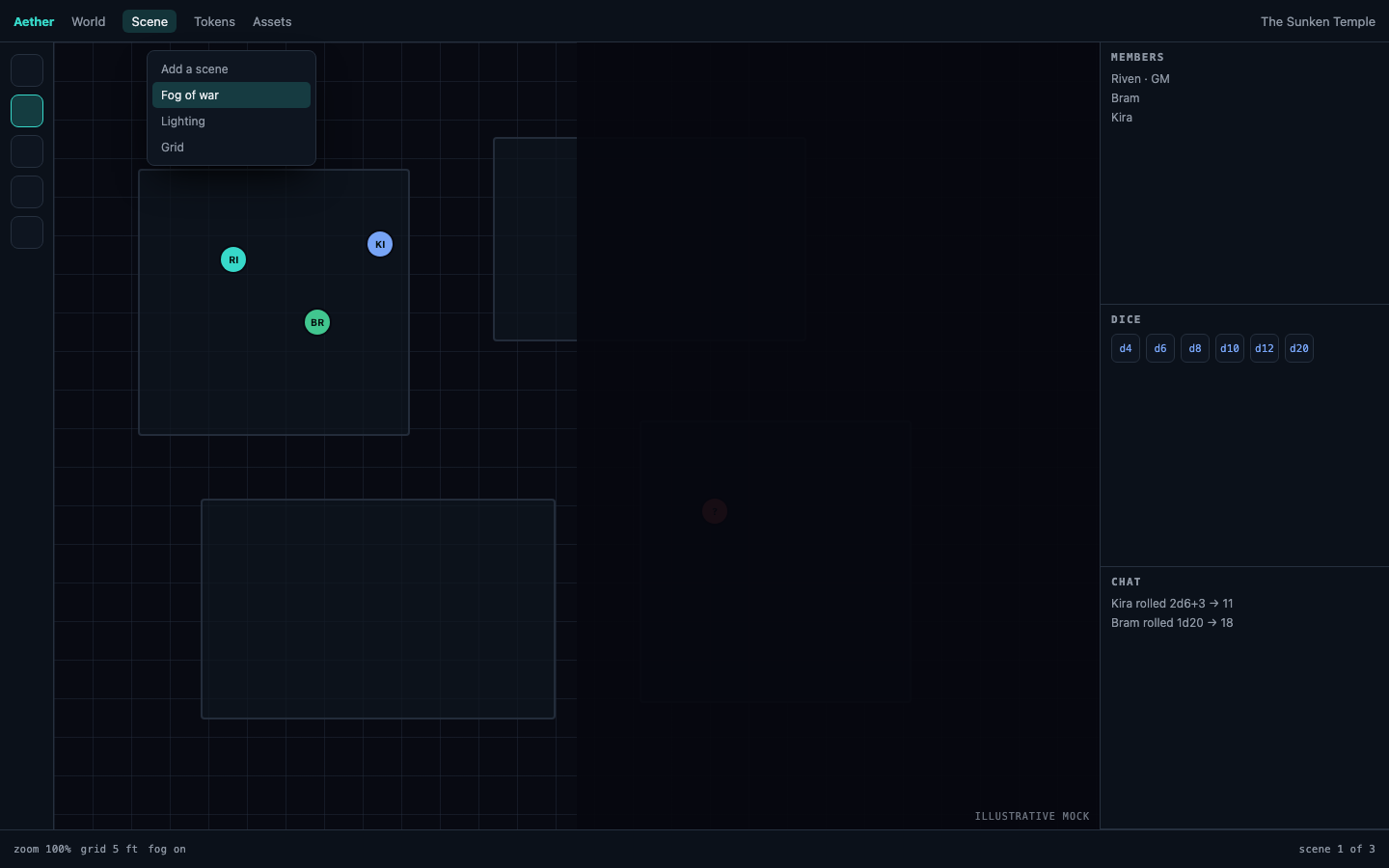
Players do not see Grid setup and cannot invoke the reset message.
#Manual fog composes with vision
If the fog mod is installed, its Hide and Reveal tools remain a separate manual layer. Manual hidden regions stay dark even inside computed sight. Revealing manual fog removes that extra layer; it does not bypass current field of view or make hidden tokens available.