Create and open your first world
Sign in, finish the world wizard, and learn the layout you will use to prepare a session.
This is the first of three guides that take a new GM from the Worlds page to round one. You need an Aether account and a map image for the session you want to run.
#Create the world
Start the wizard
Sign in, open Worlds, and choose Create world. Give the world the campaign name your players will recognize. You can change its description later.
Choose a system
Choose the system your world will use for its character sheets and rules. If you are following the built-in tutorial, choose Demo System. For a Marketplace system, open its listing and choose Create world with this system.
Choose the starting content
Choose Starter content for a scene and sample records you can replace, or Blank world if you are bringing everything yourself. This choice only affects the starting records.
Finish the invite step
Add an email now if someone is ready to join, or skip the step and invite people after the world opens. Finishing the wizard creates the world; it does not open the app automatically.
#Open Aether
Find the new world by its exact name and choose Launch. A sleeping world wakes before the app opens, so its first launch may take longer than a later one.
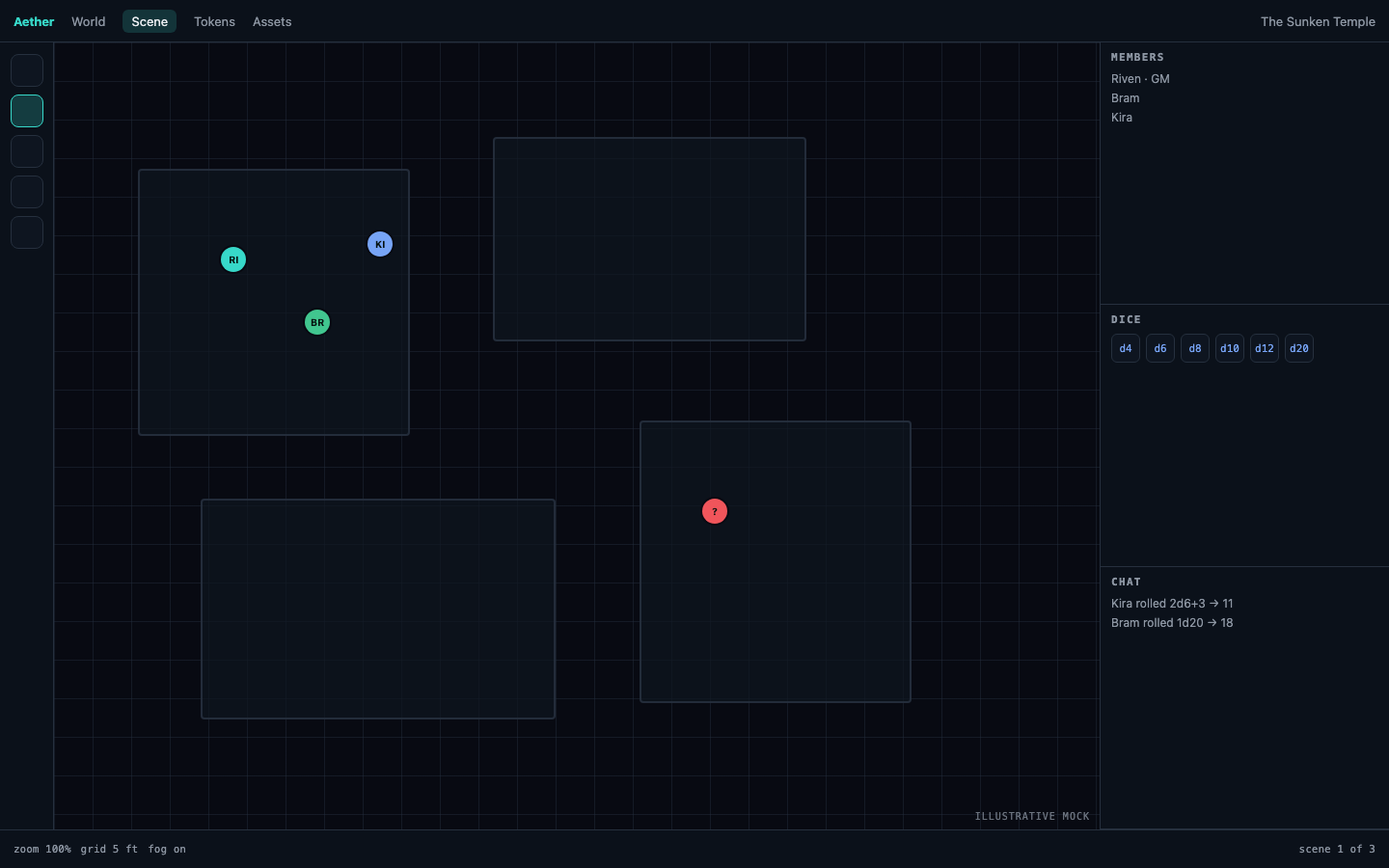
The default layout gives the main 70% to Table and Library tabs. Chat and Combat share the right 30%. Table and Chat open first. Use View to reopen a panel you closed. Use Layout → Reset layout whenever you want this arrangement back; layouts belong to each person, so a reset does not move your players' panels.
The world stays on the system you choose when you create it. To use an unrelated system, create another world. Compatible versions of the same system use the upgrade flow in Install and upgrade a game system.
#Checkpoint
You are ready to continue when the world name is correct, Aether has opened, and Table, Library, Chat, and Combat are available. Next, prepare your first session.